You just found an important scanned book or an old academic paper saved as a DjVu file. You double click it. Nothing happens. Or maybe a random reader installs, but the text looks wrong, or the program keeps crashing. You search for a DjVu to PDF converter, but most ask for money, require sign up, or feel sketchy. This situation is frustrating and wastes time.
There is a better way. HubTools lets you convert DjVu to PDF online, for free, in under a minute. No software install. No account. Just upload, convert, and download. Here is how to do it right.
What usually goes wrong
People try a few common paths before finding the right one. Each has its own headache.
- Installing a dedicated DjVu reader. You download a program, but it bundles extra software, slows down your machine, or fails to open your file. Then you still need to export to PDF, which often requires a separate step or a paid upgrade.
- Using a generic file converter. Many online converters support DjVu in name only. They may reject the file, produce a garbled PDF, or limit you to one page unless you pay.
- Renaming the file to .pdf. This does not work. DjVu uses a completely different compression method. Renaming just gives you a corrupted file that no PDF reader can open.
The HubTools path
HubTools avoids all those problems. Here is the exact walkthrough.
- Go to HubTools DjVu to PDF converter.
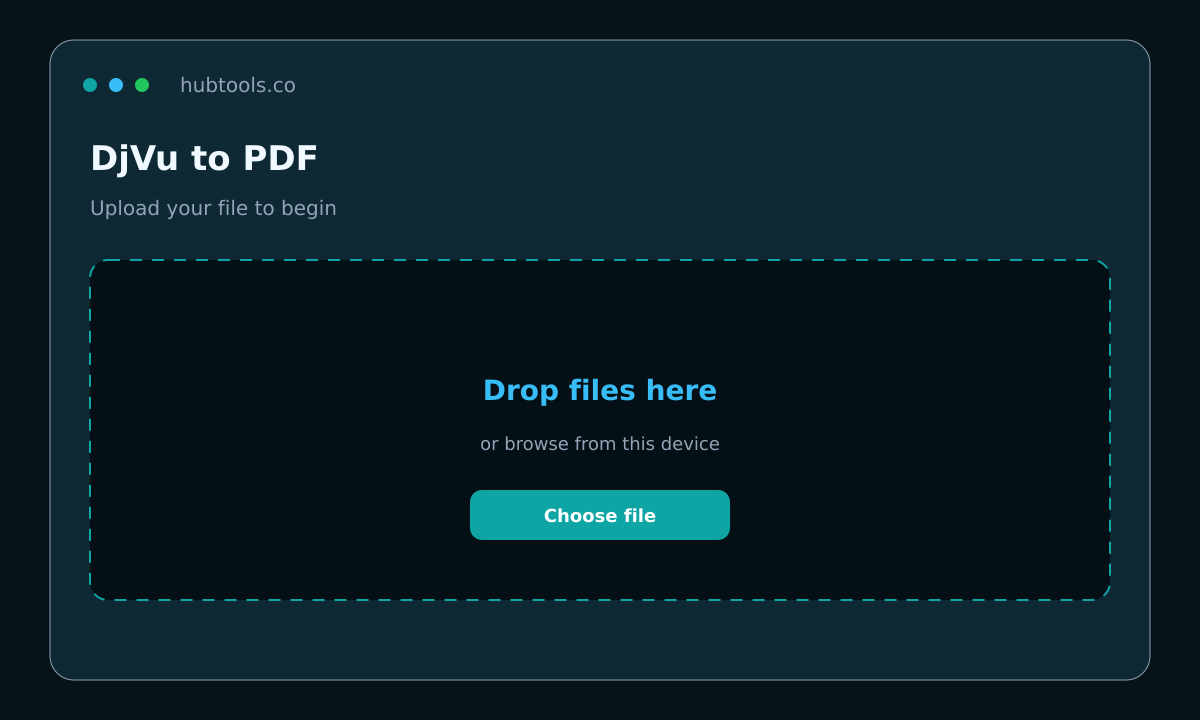
- Click the upload area or drag your DjVu file onto it. The tool accepts files up to 50 MB.
- Wait a few seconds while the server processes your file. Each page is rendered and saved into a PDF.
- Click the download button to save the new PDF to your device.
That is it. The entire process takes less than a minute for most documents. No pop ups, no hidden fees, no email required.
Pro tip: Check your file before you upload
If your DjVu file is password protected or encrypted, the conversion may fail. Make sure you have full access to the file. Also, if the DjVu contains multiple layers (like text over images), the PDF will flatten everything into a single image per page. That is fine for reading and printing, but you will not be able to edit the text directly.
When a desktop app still makes sense
HubTools handles most DjVu files easily. But if you work with huge documents (over 50 MB) or need batch conversion of many files, a desktop application like Adobe Acrobat or a specialized DjVu utility might be useful. For the occasional single file, the online tool is faster and simpler.
Quality checklist before you share
After converting, take a minute to verify the output.
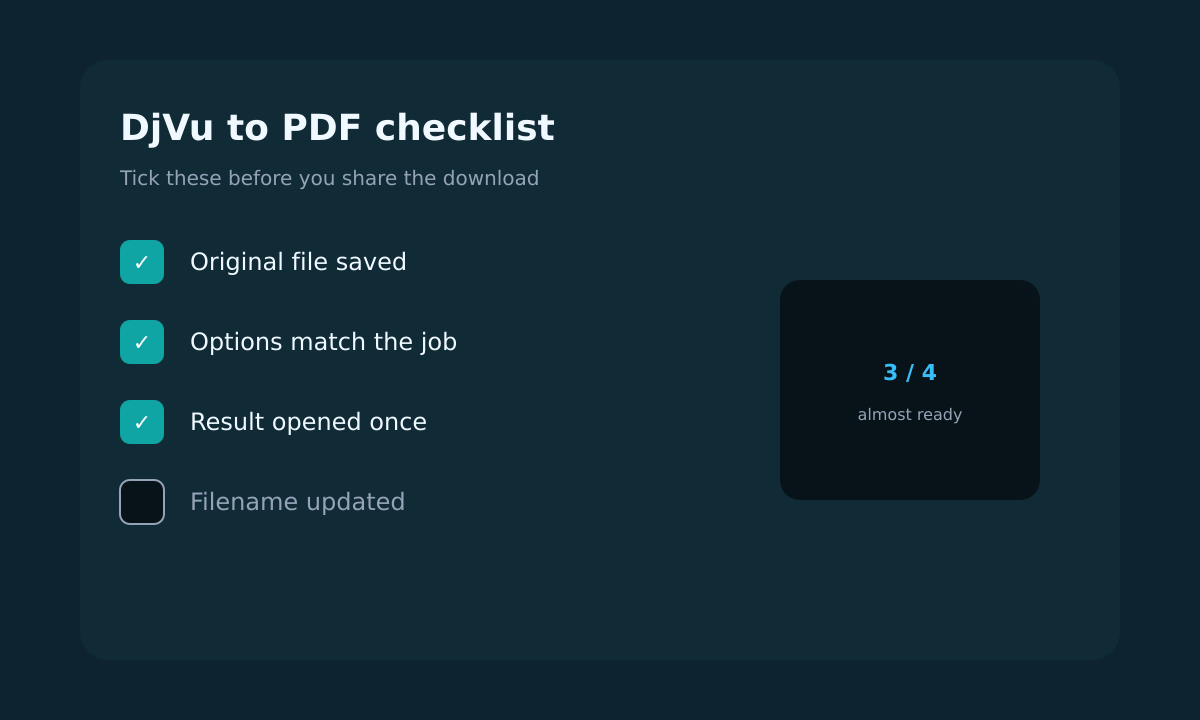
- Check filenames. The downloaded PDF will have a generic name. Rename it to something descriptive before sharing.
- Spot check a few pages. Scroll through the PDF to confirm all pages rendered correctly. Look for missing pages, blank spots, or distorted images.
- Keep the original. Store the original DjVu file until you are sure the PDF is good. You may need it again if something goes wrong.
Devices that work
Windows and Mac
HubTools runs in any modern browser Chrome, Firefox, Edge, Safari. On Windows or Mac, just open the link and follow the steps. No compatibility issues.
Mobile
You can also convert on a phone or tablet. Use the browser on your iPhone, iPad, or Android device. Upload the file from your device or cloud storage. The interface adapts to the smaller screen. Download the PDF directly or share it to another app.
Quick comparison: HubTools vs. desktop software
| Feature | HubTools (free online) | Desktop software (paid) |
|---|---|---|
| Installation required | No | Yes |
| File size limit | 50 MB | Usually unlimited |
| Batch conversion | No (one file at a time) | Yes |
| Cross platform | All browsers, any OS | Windows or Mac only |
| Cost | Free | Often $10+ per month |
If something breaks
Most conversions go smoothly. Here are quick fixes for common issues.
- File does not upload. Check that your file is under 50 MB and has a .djvu extension. Try renaming it if it has a different extension.
- PDF looks blank. The DjVu might contain only metadata or a single empty page. Open the original in a viewer to confirm it has content.
- Conversion takes too long. Large files with many pages may take a minute. Be patient. If it exceeds two minutes, try refreshing and uploading again.
- Download does not start. Check your browser pop up blocker. Allow downloads from hubtools.co.
What to remember
DjVu is a niche format that does not play well with standard tools. Converting to PDF solves the compatibility problem instantly. HubTools makes the process painless: no installs, no accounts, no cost. Keep the link handy for the next time you run into a DjVu file.
Recommended HubTools
HubTools offers a full suite of free online converters. Try these related tools for your document needs.
- DjVu to PDF the tool described in this guide.
- PDF to Word convert PDFs into editable Word documents.
- PDF to PowerPoint turn PDF slides into editable presentations.
- PDF to Excel extract tables from PDFs into spreadsheets.
- Word to PDF create PDFs from Word files quickly.
Comments