You have a PDF. It is a contract, an article, a set of notes. You need the text , maybe to paste into an email, to edit in a word processor, or to feed into another program. Copying line by line is slow. And it is error-prone.
Now imagine this: you upload the file, the tool extracts every word, and you download a clean .txt file in seconds. No formatting to fight. No typing mistakes. Just the text you need.
That is the difference between stuck and done. Here is how to get there with the free PDF to TXT converter at HubTools.
Before you open the tool
Check your PDF. Is it a real text PDF or a scanned image? If you can select and copy text with your mouse, it is a text PDF. That is the kind this tool handles.
If your PDF is a scan, you will need an OCR tool first. HubTools does not do OCR , it reads the text that is already there.
Also, decide what you need the final .txt file for. Plain text does not keep bold, italics, columns, or images. That is the point. You get pure text, ready to use anywhere.
The HubTools walkthrough
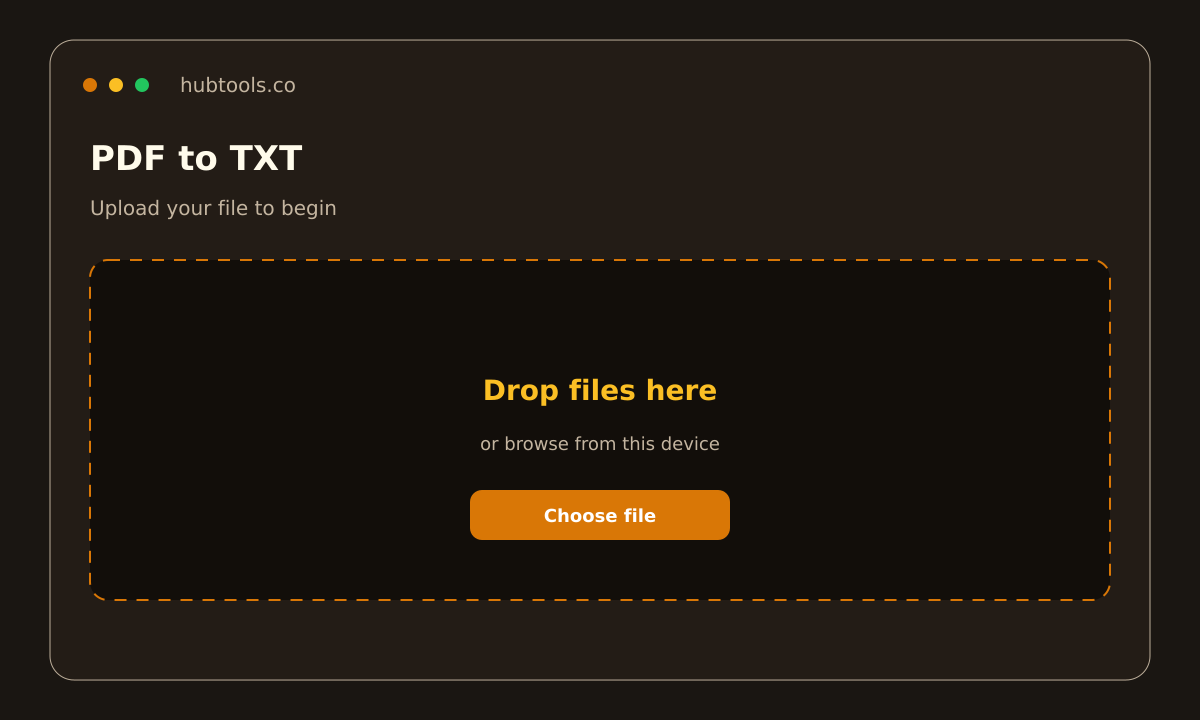
Open the PDF to TXT converter in your browser. No download. No account. Just the page.
- Upload your PDF. Click the upload area or drag and drop your file. The tool accepts standard PDF files. A progress bar shows the upload.
- Wait for extraction. The tool reads every page in the PDF and pulls out the text. This usually takes a few seconds, even for longer documents.
- Download the .txt file. A download button appears. Click it. Your browser saves a plain text file with the same base name as your original PDF.
That is it. Three steps. No settings to tweak. The tool does not add watermarks or ads to your file.
What a clean result looks like
Open the .txt file in any text editor , Notepad, TextEdit, or your code editor. You should see:
- All the text from the PDF, in reading order.
- Line breaks where the PDF had paragraphs.
- No random symbols, no missing characters, no garbled words.
Check a few pages. Compare the first paragraph of the .txt with the original PDF. They should match. If they do not, your PDF might be a scan or have unusual fonts.
For a typical text PDF , a report, a legal document, an ebook , the output is clean and usable immediately.
Pro tip: combine with other tools
Once you have the .txt file, you can run it through other HubTools. For example, use the Word Counter tool to check length. Or use the Text to Speech tool to hear the content read aloud. Because the file is plain text, it works with any text-based tool.
Desktop vs browser
| Feature | Desktop software | HubTools browser |
|---|---|---|
| Install needed | Yes | No |
| Works on any OS | No (Windows/Mac only) | Yes (any browser) |
| Keeps formatting | Sometimes | No (plain text only) |
| Free forever | Rarely | Yes |
| File leaves your computer | No | Yes (server, then deleted) |
If you need formatting preserved, desktop software might seem better. But for speed and simplicity , especially when you just need the raw text , the browser tool wins. No updates, no licenses, no waiting.
Common snags and fixes
Snag: The .txt file is empty or nearly empty.
Fix: Your PDF is probably a scanned image. Use an OCR tool first, then convert the resulting text PDF with HubTools.
Snag: Text is jumbled or in the wrong order.
Fix: Some PDFs store text in non-linear order (multi-column layouts, forms). The tool reads page by page. If columns are mixed, try converting to Word first, then copy the text from there.
Snag: Special characters (é, ñ, ü) appear as garbage.
Fix: Open the .txt file in a modern editor that supports UTF-8 encoding. Most do. If yours does not, switch to Notepad++ or VS Code.
Snag: The file is too large to upload.
Fix: HubTools handles most PDFs, but very large files (hundreds of pages) may take longer. Split your PDF into smaller parts using a free PDF splitter, then convert each part.
Keep this in mind
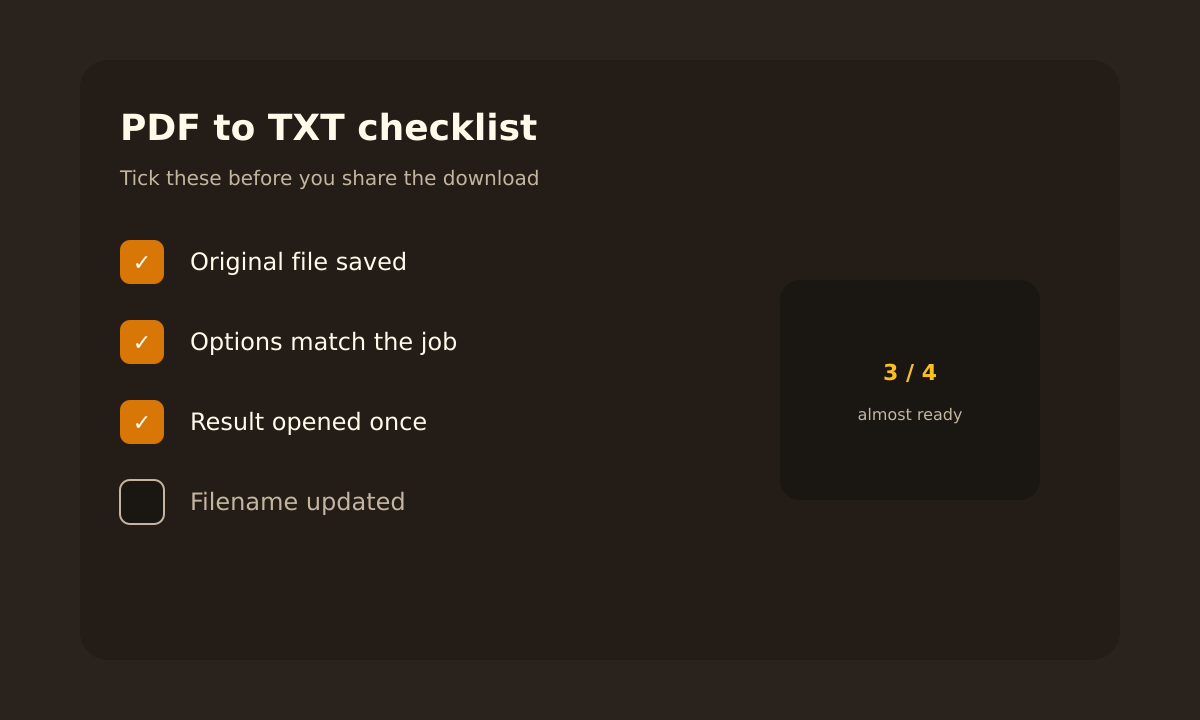
- PDF to TXT is for text extraction only. It strips all formatting, images, and layout.
- Always check the output file for completeness. Open it and scan.
- If you need formatting preserved, use a different HubTools converter (PDF to Word, PDF to PowerPoint).
- No personal data is stored. The tool deletes your files automatically after conversion.
That is it. A simple, reliable way to get text out of a PDF and into a .txt file. No fuss. No cost.
Try it now: HubTools PDF to TXT converter.
Try it on HubTools
HubTools is free in your browser at hubtools.co. Open PDF to TXT for this job, or browse more PDF and file tools on the same site with no install.
Start here: https://hubtools.co/tool/pdf-to-txt · All HubTools
Recommended HubTools
More free tools live at hubtools.co. Start with these:
Check your internet speed
When file tools feel slow, test the connection first. Run a free speed check on SpeedTesters (speedtesters.co) , then come back to this guide on From Stuck File to Done: How to PDF to TXT.
Comments